
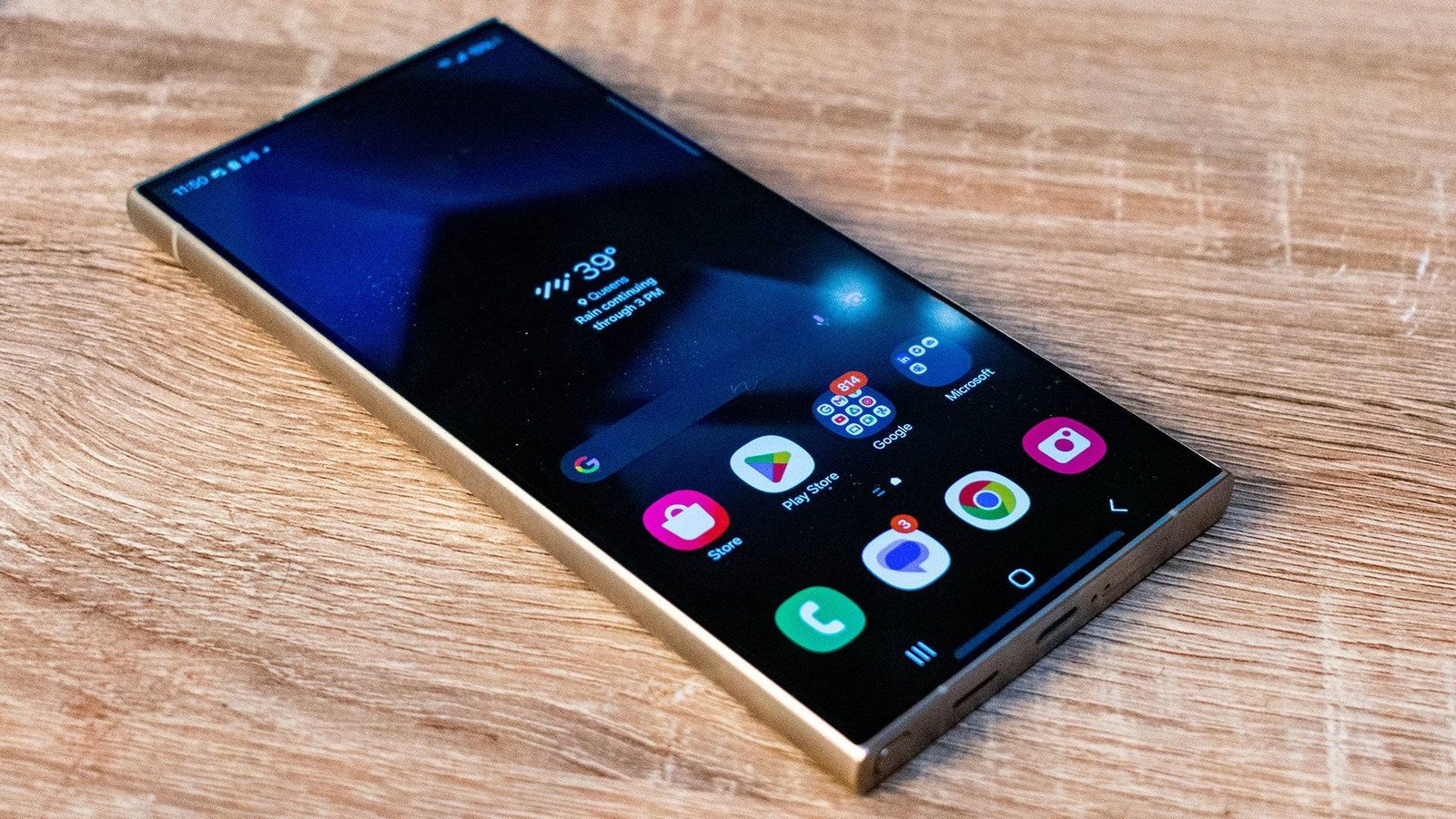
Collection widgets are set to improve the Android home screen experience by giving users quicker access to Play Store content categories. Google is preparing dedicated widgets for individual Collections, allowing users to open specific categories directly without navigating through additional menus. The upcoming feature builds on the existing Collections system while making app discovery faster and more convenient for Android users.
Google introduced the Collections feature to organize installed applications into categories based on their primary content and purpose. Instead of searching through long app lists, users can quickly browse applications grouped by activities and interests. These categories currently include Food, Games, Listen, Read, Shop, Social, Travel, and Watch, making navigation simpler across different types of apps.
At present, Android users can choose between two Play Store Collections widgets for their home screens. The standard widget displays several category shortcuts together in a compact layout that fits most home screen arrangements. Users can tap the widget before selecting the category they want to explore from the available options.
The current widget also offers flexible sizing for users who prefer larger home screen layouts. After placing the widget, users can resize it to reveal additional category shortcuts without opening another menu. A larger version displays more categories simultaneously, making several sections immediately visible from the home screen.
Selecting the widget opens the Collections interface, where installed applications appear according to their assigned categories. The feature also highlights recently installed applications and frequently used apps for quicker access. Consequently, users can locate relevant applications without scrolling through the complete application drawer.
Google now appears ready to simplify that process even further with a broader widget selection. Instead of one widget containing several categories, each Collection category will receive its own dedicated home screen widget. Therefore, users can launch a specific category immediately without performing an additional tap after opening the Collections interface.
The upcoming update includes separate widgets for Food, Games, Listen, Read, Shop, Social, Travel, and Watch. Users will have the flexibility to place only the categories they use most frequently on their home screens. This approach allows greater customization while reducing unnecessary navigation during everyday device use.
For example, someone who regularly shops through mobile applications could place the Shop widget directly on the home screen. Likewise, users focused on entertainment could add dedicated widgets for games, reading, or streaming content. As a result, frequently used categories remain only one tap away throughout the day.
Android users can already add the existing Collections widgets by opening the home screen widget menu and selecting the Play Store section. After choosing a preferred widget, they simply place it on the home screen and adjust its size if necessary. The installation process remains familiar because it follows the same method used for other Android widgets.
Although Google has not confirmed an official release date, the new Collection widgets appear to be under active development. Once available, they should provide faster access to Play Store categories while improving home screen organization. The update represents another small but practical improvement that could make everyday Android navigation more efficient for users who frequently rely on the Collections feature.