
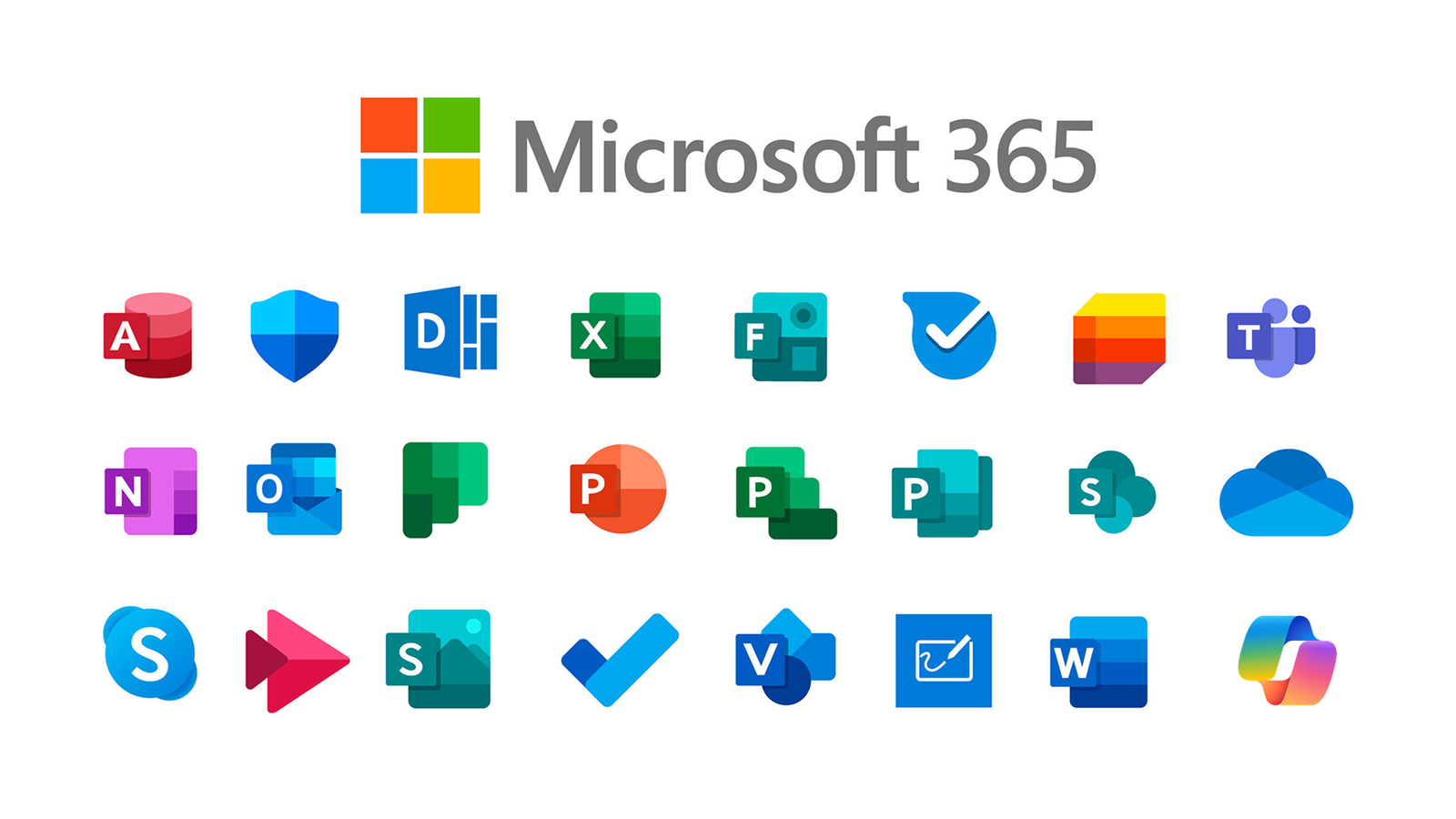
Free Microsoft 365 options allow users to access Word, Excel, and PowerPoint without paying subscription fees. Free Microsoft 365 solutions help students, professionals, and casual users complete essential document tasks online. Furthermore, free Microsoft 365 access provides flexible alternatives for people who do not need advanced premium features.
Microsoft continues to offer browser-based versions of its popular productivity apps through an online platform. Users can sign in with a free account and immediately access core tools like Word and Excel. Additionally, this web-based system allows document creation, editing, and storage through cloud services.
The online version requires an internet connection for full functionality during active use sessions. However, users still benefit from basic editing tools and document sharing features without subscription costs. Moreover, each account includes limited cloud storage for saving files and accessing them across devices.
Free Microsoft 365 also extends to mobile applications available on both Android and iOS platforms. Users can download the Microsoft 365 Copilot app and sign in with a free account easily. Furthermore, the mobile experience allows document viewing, quick edits, and access to saved files remotely.
Mobile users can open documents directly through the app and manage files while traveling or commuting. However, advanced editing features may require individual app downloads for Word, Excel, or PowerPoint separately. Additionally, users can delay upgrade prompts and continue using basic functionality without immediate payment.
Education programs also provide another route for accessing free Microsoft 365 tools for eligible users. Students and teachers with approved school email addresses can access web-based Office applications without cost. Moreover, educational licenses often include Word, Excel, PowerPoint, and other collaboration tools for academic use.
Free Microsoft 365 education access typically remains active while users stay enrolled or employed by institutions. Some programs also offer trial upgrades that include additional artificial intelligence features for limited periods. Furthermore, users can cancel trial versions before billing begins to avoid subscription charges.
Microsoft designed these options to support flexible access depending on user needs and usage frequency. Individuals who use productivity tools occasionally can rely on free web and mobile versions effectively. Additionally, those requiring advanced features can choose paid plans based on professional or business requirements.
Free Microsoft 365 access continues to gain popularity among users seeking cost-effective productivity solutions globally today. Many individuals prefer web and mobile versions because they eliminate annual subscription expenses. Ultimately, these options provide practical alternatives for document creation, collaboration, and file management without financial barriers.